Support Hub
The Launch It & Love It
Resources and tools to get you from here to launch.

Squarespace Resources
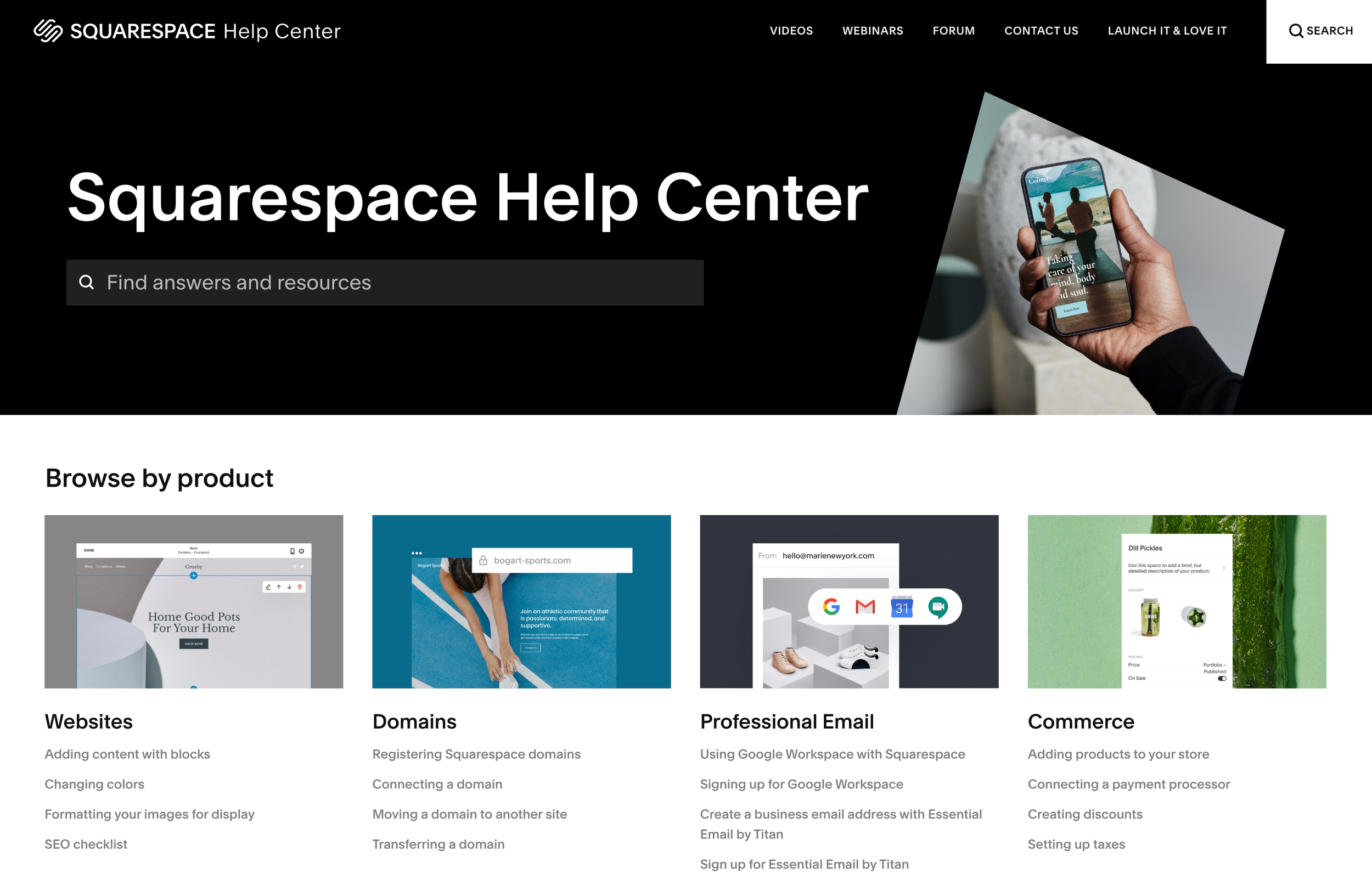
Squarespace Help Center
Tutorials directly from Squarespace walking you through everything Squarespace can do.
Squarespace Forum
Have a question Squarespace can’t answer? The community forum gives you access to tons of Squarespace experts.
Squarespace Customer Support
Have a Squarespace question that’s not answered in the Help Center or Forum? Contact Squarespace here.
Creative Resources
Brand Identity Builder
The North Star for your website, your branding, and your business.
Copy Writing Planner
Fill-in-the-blank prompts & real examples for virtually every section on your website.
Font Picker
Some of our favorite font pairings, plus all fonts available in both Squarespace and Canva’s free plan.
Color Palette Picker
Use the colors in your images to choose a color palette.
Looking for Creative Assets?
Stock Photography

Icons
Plugins
Fonts
Frequently Asked Questions…
-
You’ll get an invite to your course materials right away. (Don’t see it? Check your spam folder first. Still nothing? Email me and I’ll sort it out.) Within one business day, you’ll also get an invitation from Squarespace to your new site. If a full business day has passed and that invite hasn’t shown up, let me know.
-
Typically, we only install templates on brand-new sites. That said, if you’ve got an existing site with content you want to carry over (say, a big library of blog posts), reach out and we’ll talk through your best options.
-
Ownership transfers once you’ve accepted the invitation to your site and your template kit is paid in full. If you’re on a payment plan, that means you’ll get full ownership after your last payment comes through. Either way, you’ll have full access to edit and launch your site within one business day of purchase.
-
Yes! Just go to https://your-website-name-here.squarespace.com/config/extendtrial, swapping in your own site name for “your-website-name-here.”
-
Of course! The easiest way is to find the existing page that’s closest to the one you want to create, click the settings icon beside the page name, and choose “Duplicate Page.” From there, just tweak it to fit.
-
Yes. I offer Done-With-You Days for $795, where we work on your site together, as well as à la carte hourly work at $175/hour.
-
Even better: you can fix it! Head to the “Saved Sections” page of your template, find the original version of the section you changed, and click the heart icon to save it to your favorites. Then go back to the page you were working on, click “Add Section,” and choose that section from your saved favorites. Finally, delete the version you don’t like. Good as new.
-
Yes, you’ll need two things: a domain name (which you can buy through Squarespace) and an active Squarespace plan at the Core level or higher.
-
Your license covers one site. If you’d like to use the template on multiple sites, you’ll need to purchase a license for each one.
-
Because templates are digital products, we’re unable to offer refunds.
Open A Support Ticket
Within your 60-Day Support Window?
Our expert team will respond within one business day.
Need More Help?
Add a Done-With-You Day
Don’t want to DIY your site? Send us what you have and we’ll build out your template for you. Then we’ll meet to finalize and launch together.
$895
Request Hourly Support
Don’t need a whole Done-With-You Day? Request help directly from David by the hour.